Explore before subscribing
Walk through a board in Resin.
Follow a USB-to-CAN design through circuit inspection, PCB placement, AI review, and export, plus a separate assembly example in 3D. Choose a step and enlarge the view to look closer.
Recorded app views from different stages of the workflow. No account or payment needed. This walkthrough does not edit a live board or run AI.
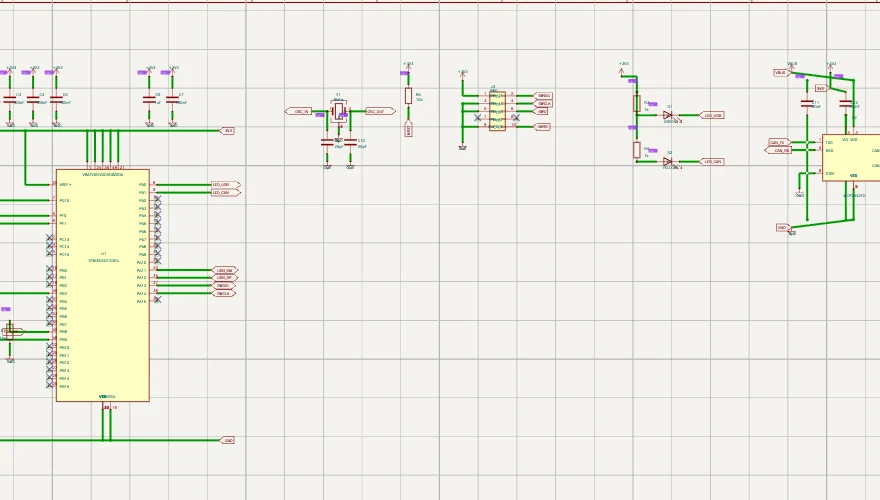
Follow a connection through the circuit.
Inspect the MCU sheet and its named connections. In your own project, you can select a symbol, inspect its pins and follow the connected nets. Enlarge this capture to inspect the labels.
Ready to work on your board?
Every new account starts with a free 7-day Pro trial with 500 AI credits. No card required.
After your trial, choose a plan to keep editing and using AI. You can still view and export your designs. No automatic charge.