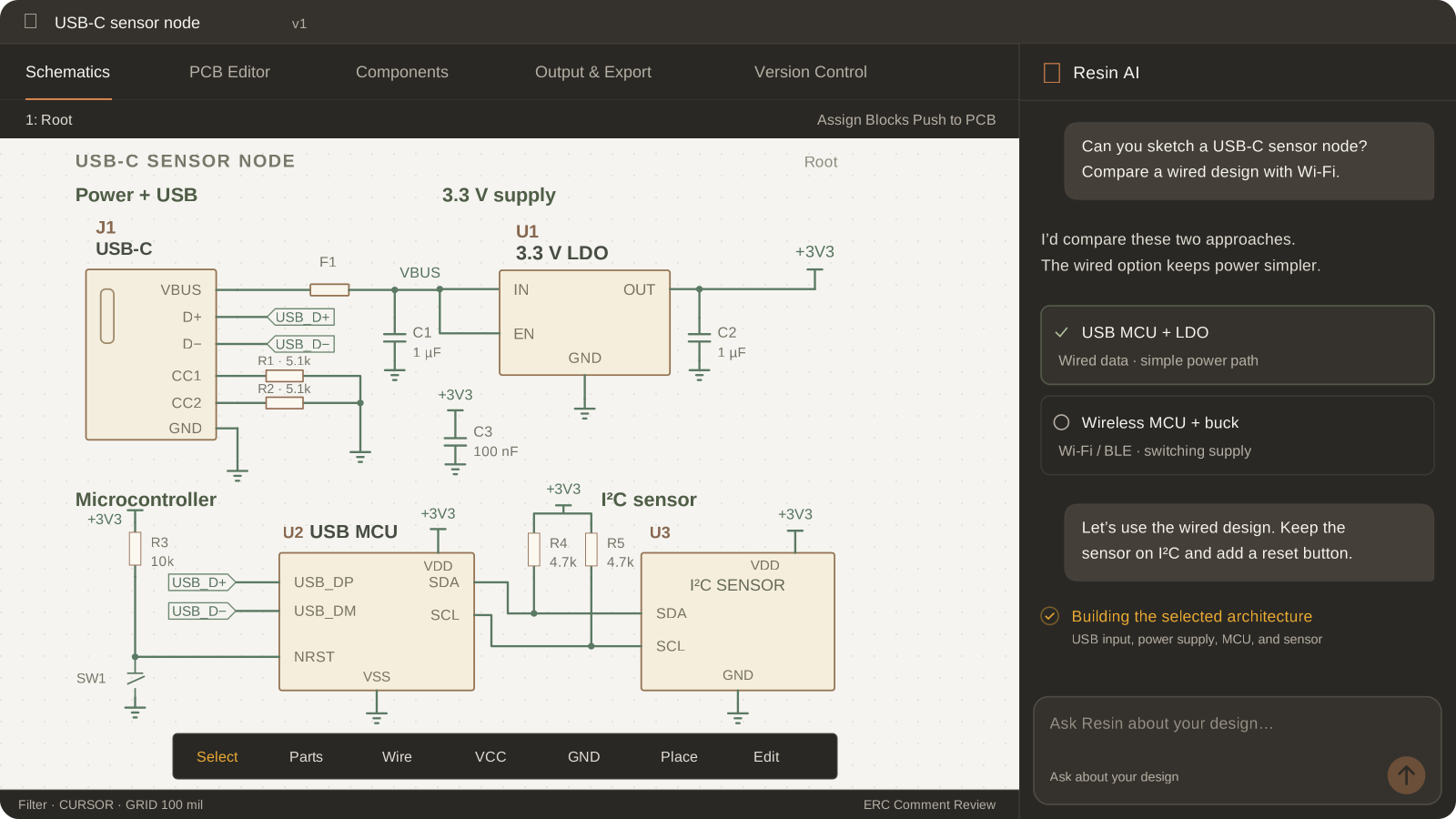







Resin AI
Ask about the design, then run a review.
Understand the circuit, explore changes, and run an automated design review before small mistakes turn into board spins.
Explore Resin AIBrowser-based EDA with Resin AI
Ask Resin AI about the design, make changes in the editor, run ERC and DRC, and prepare manufacturing files—all in the browser.
Runs in your browser · exports .kicad_sch, Gerber, ODB++

AI in the editor
Turn questions and decisions into design changes you can inspect
AI design review
Catch likely mistakes before moving to layout
ERC + DRC
Catch electrical, layout, and manufacturing issues before export
Production files
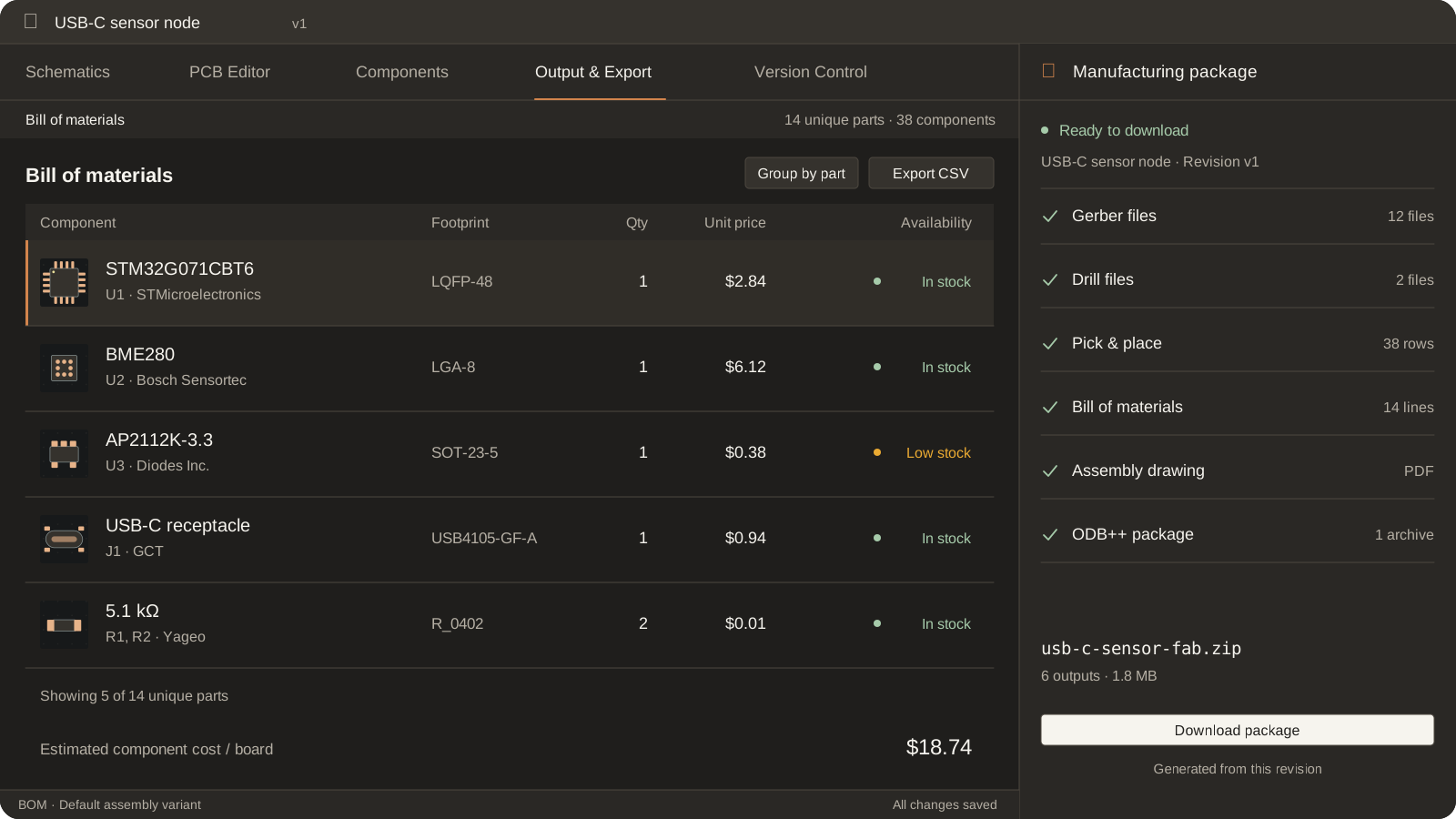
Generate Gerber, drill, ODB++, BOM, and assembly outputs
Schematic, PCB, and outputs
Use Resin AI when needed, run ERC and DRC checks, and configure fabrication and assembly exports.
USB-to-CAN FD example
See how Resin AI helps refine the circuit, how the PCB is placed and routed, and how the design is checked before production files are generated.


Resin AI
Understand the circuit, explore changes, and run an automated design review before small mistakes turn into board spins.
Explore Resin AI
PCB editor
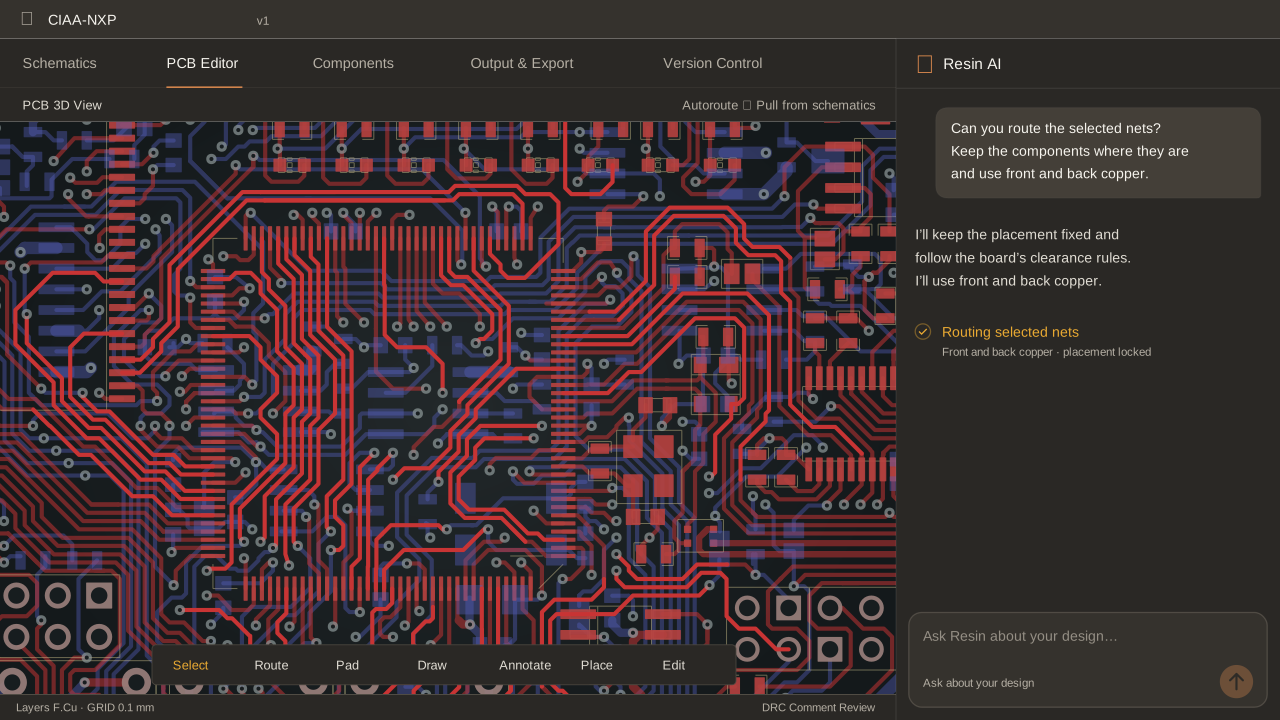
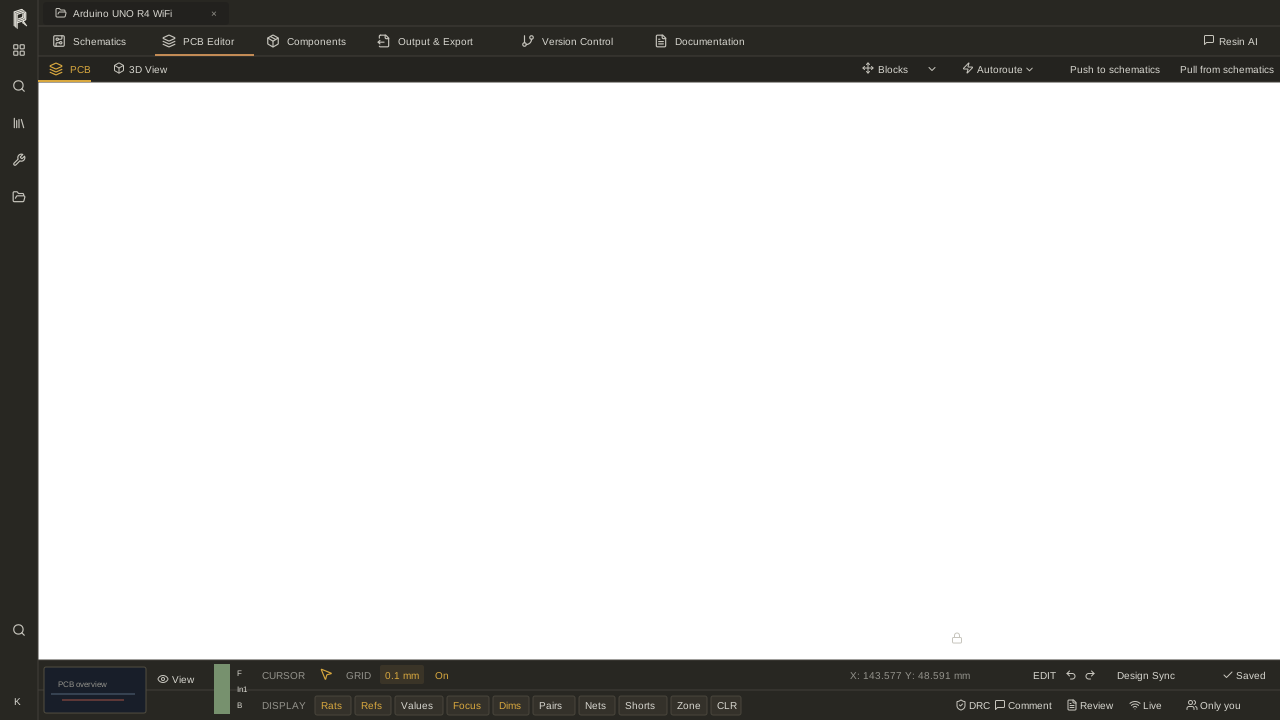
Route critical nets by hand, then use autorouting (Beta) for a first pass on the rest before reviewing and refining the result.
Explore PCB design

Checks + manufacturing
Run ERC and DRC, apply manufacturer presets where useful, and generate Gerber, drill, ODB++, pick-and-place, and BOM files.
Explore checks and outputsBrowse the USB-to-CAN FD example and its check results before signing up.
Browse example projectsDirect editing
Inspect the components, nets, and properties affected by AI-assisted work.
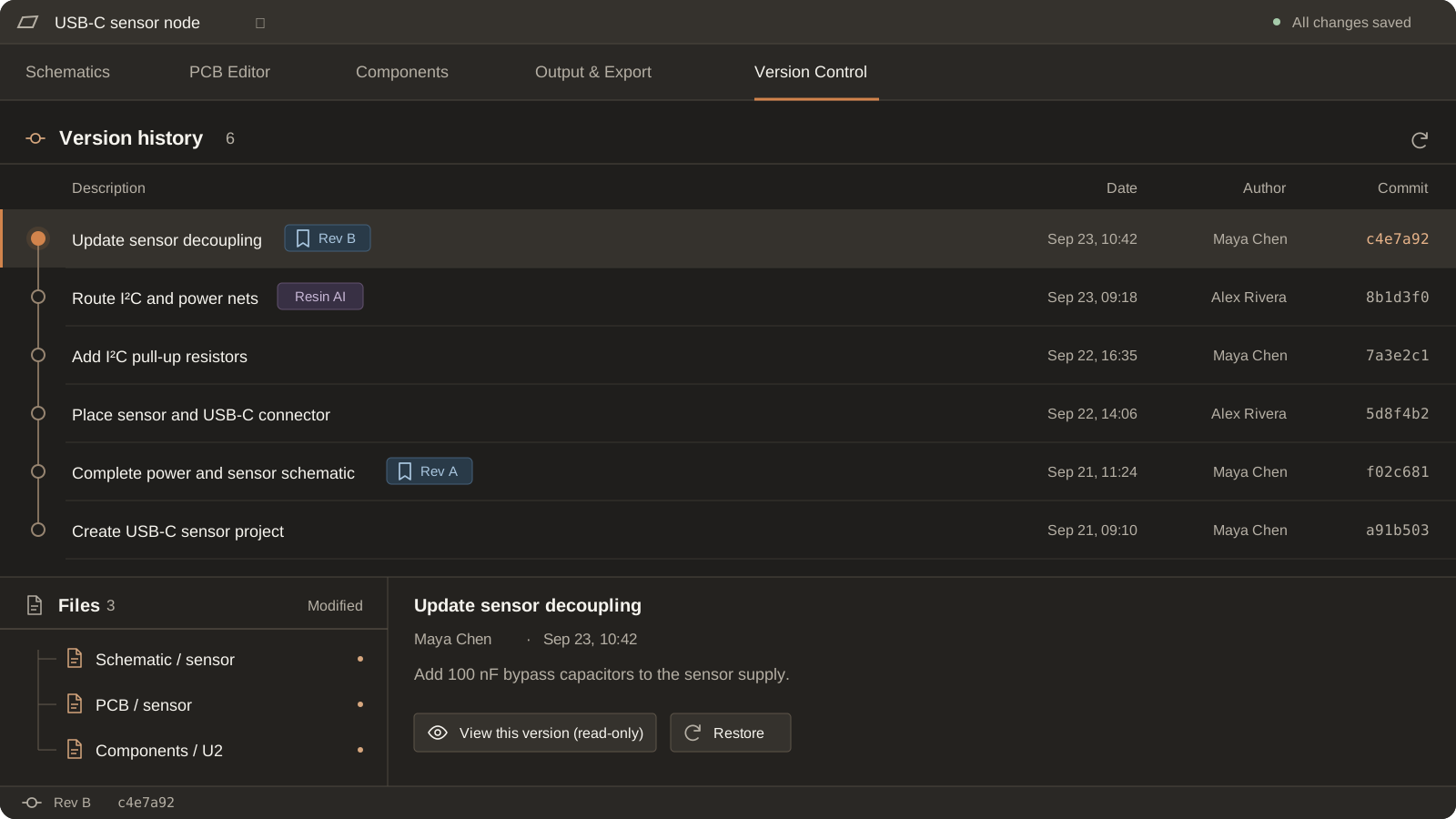
Adjust components, connections, placement, or routing whenever you need.
Import supported designs and export project or production files for downstream tools.
Check whether Resin works with your current tools.
Altium, KiCad, Eagle, OrCAD, PADS, CADSTAR, EasyEDA — see supported versions and import/export paths.
FAQ
Yes. Open the work in the schematic or PCB editor, inspect its properties, make changes, and rerun checks.
Yes — import Altium, Eagle, OrCAD, PADS, CADSTAR, EasyEDA, and KiCad designs. The compatibility matrix lists supported versions and whether each format imports, exports, or both.
Yes. Export the KiCad schematic (.kicad_sch), Gerber and drill files, ODB++, IPC-2581, and STEP. The compatibility matrix lists every export path and version.
Browse example schematics and PCBs, check results, the compatibility matrix, and product documentation.
Projects live in your org's workspace and can be exported in full — KiCad schematic, Gerber, ODB++ — at any time. Read the security and privacy pages for details about data processing and infrastructure.
Create a project in your browser, or inspect an example before signing up.