Choose a representative source
Include the hierarchy, libraries, rules, routing, mechanical data, and special objects that matter to your normal projects.
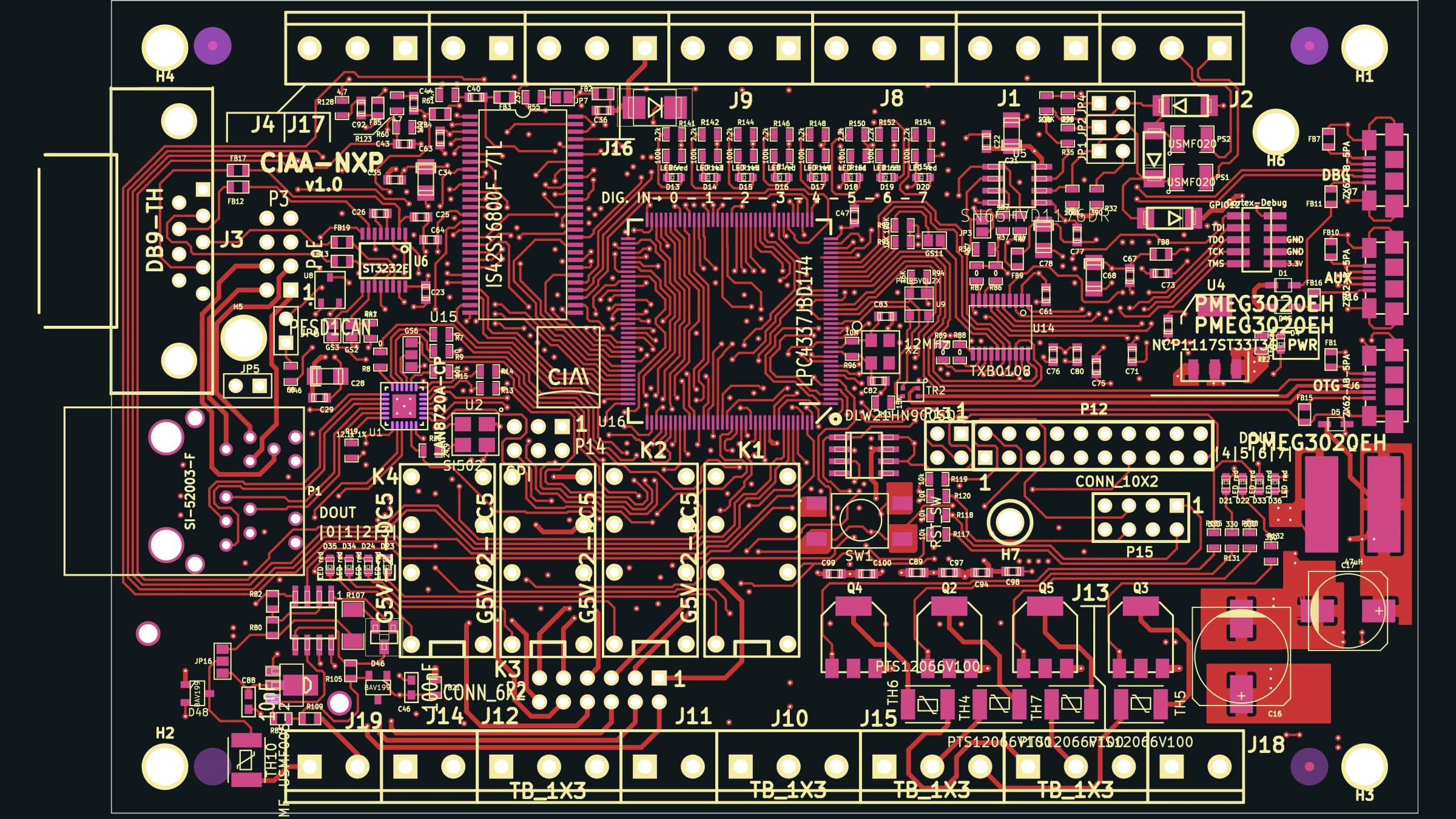
Import and migration
Choose a source that exercises the structures your team depends on, import it, compare the engineering objects, and use project-aware AI only as an aid for understanding unfamiliar design context.
No credit card required.
Workflow
Include the hierarchy, libraries, rules, routing, mechanical data, and special objects that matter to your normal projects.
Keep the original archive and record the source tool, version, files, dependencies, and import messages.
Inspect sheets, nets, components, board geometry, layers, tracks, vias, zones, rules, and project settings.
Make a small controlled change, rerun checks, save and reopen the project, then verify the outputs required downstream.
Resin EDA
Start with a new or imported board and keep every engineering decision visible.
Questions about team access, security review, or purchasing? Write to hello@resineda.com.