Define and apply project rules
Use electrical and physical rules that match the design intent and manufacturing constraints relevant to the project.
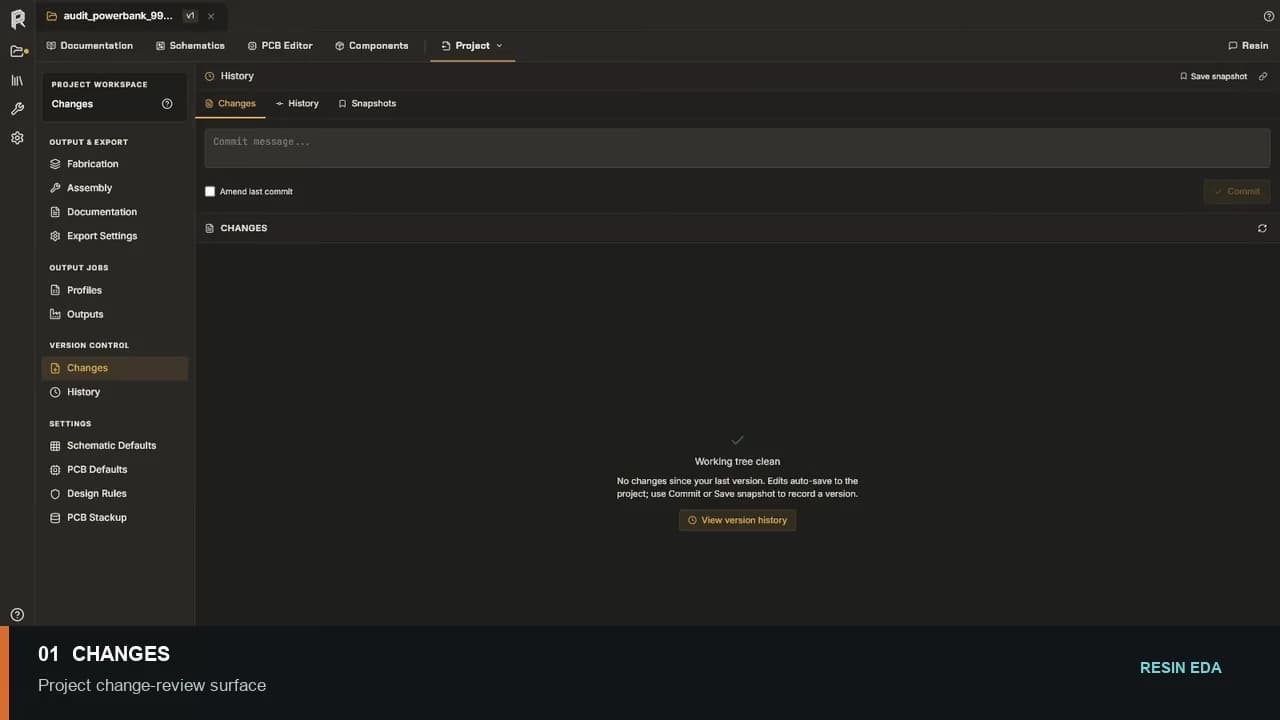
Review and collaboration
Keep design rules, ERC and DRC findings, comments, changes, and project history connected to the schematic and PCB objects under review.
No credit card required.
Core capabilities
Use electrical and physical rules that match the design intent and manufacturing constraints relevant to the project.
Open a finding, inspect the responsible net or object, correct the source, and rerun the applicable check.
Use comments and shared project access to keep review questions attached to the work being discussed.
Inspect history and comparisons before deciding whether a revision is ready for the next engineering stage.
Resin EDA
Open the schematic and PCB workspace in your browser. No credit card required.
Questions about team access, security review, or purchasing? Write to hello@resineda.com.