Establish the review scope
Choose the revision, affected area, requirements, and check configurations relevant to the review.
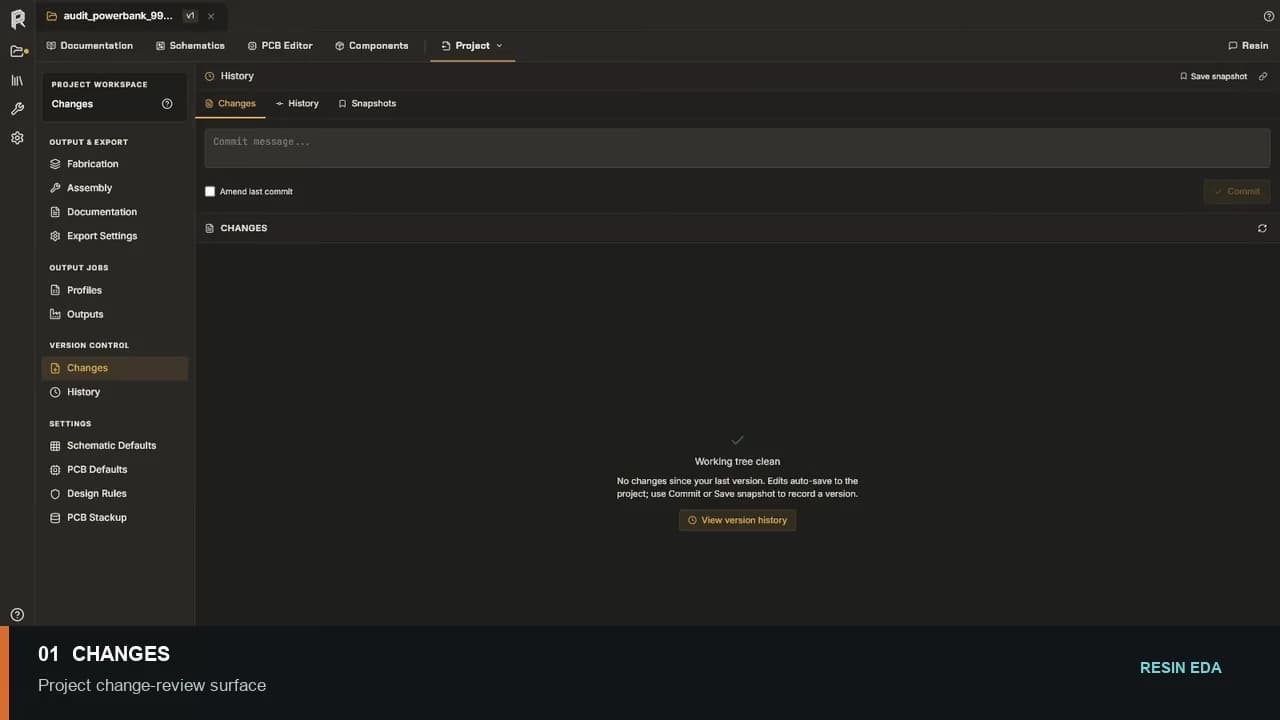
Design review
Run AI Review on the schematic, use ERC and DRC for deterministic checks, inspect each finding in context, correct the source object, and rerun the applicable review.
No credit card required.
Workflow
Choose the revision, affected area, requirements, and check configurations relevant to the review.
Use quick or deep AI Review on the schematic, run the configured electrical and physical checks, and open each finding at its source.
Make the smallest understandable change and inspect its effect on connectivity, geometry, components, or rules.
Repeat the same check, review new findings, record unresolved issues, and pass the exact reviewed revision to the next stage.
Resin EDA
Start with a new or imported board and keep every engineering decision visible.
Questions about team access, security review, or purchasing? Write to hello@resineda.com.