Organize real circuit hierarchy
Break larger designs into navigable sheets and make parent-to-child signals explicit.
- Hierarchical sheets
- Sheet connections
- Named nets and buses
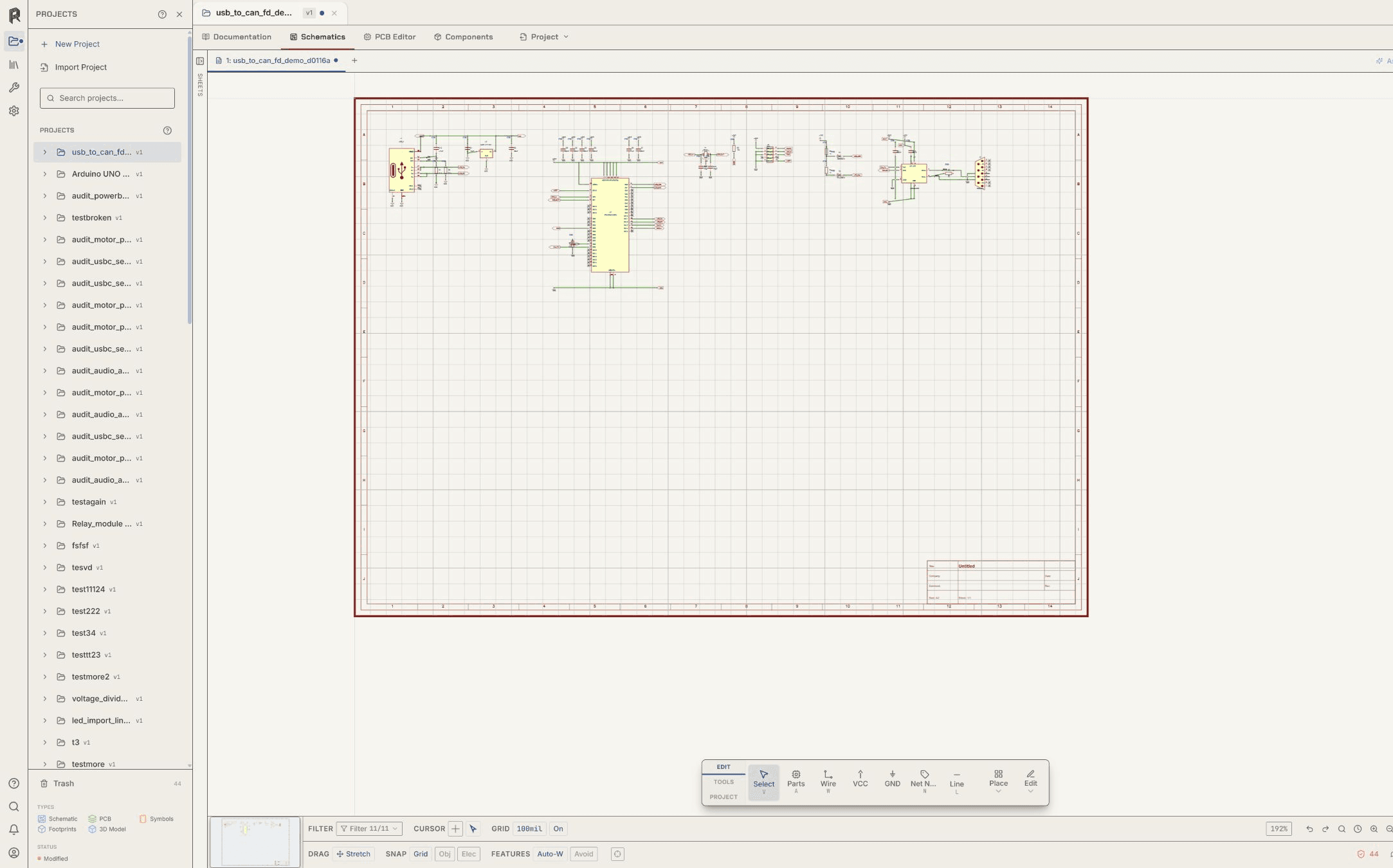
Schematic design
Create hierarchical sheets, place reviewed symbols, connect nets across sheet boundaries, and inspect electrical findings while the circuit remains part of the editable project.
No credit card required.
Core capabilities
Break larger designs into navigable sheets and make parent-to-child signals explicit.
Keep references, values, properties, symbols, and footprint assignments available where the circuit is edited.
Inspect wires, junctions, labels, buses, and device pins instead of relying on appearance alone.
Run the available electrical checks, correct the source object, and rerun the same scope before synchronizing the design to PCB.
Resin EDA
Open the schematic and PCB workspace in your browser. No credit card required.
Questions about team access, security review, or purchasing? Write to hello@resineda.com.