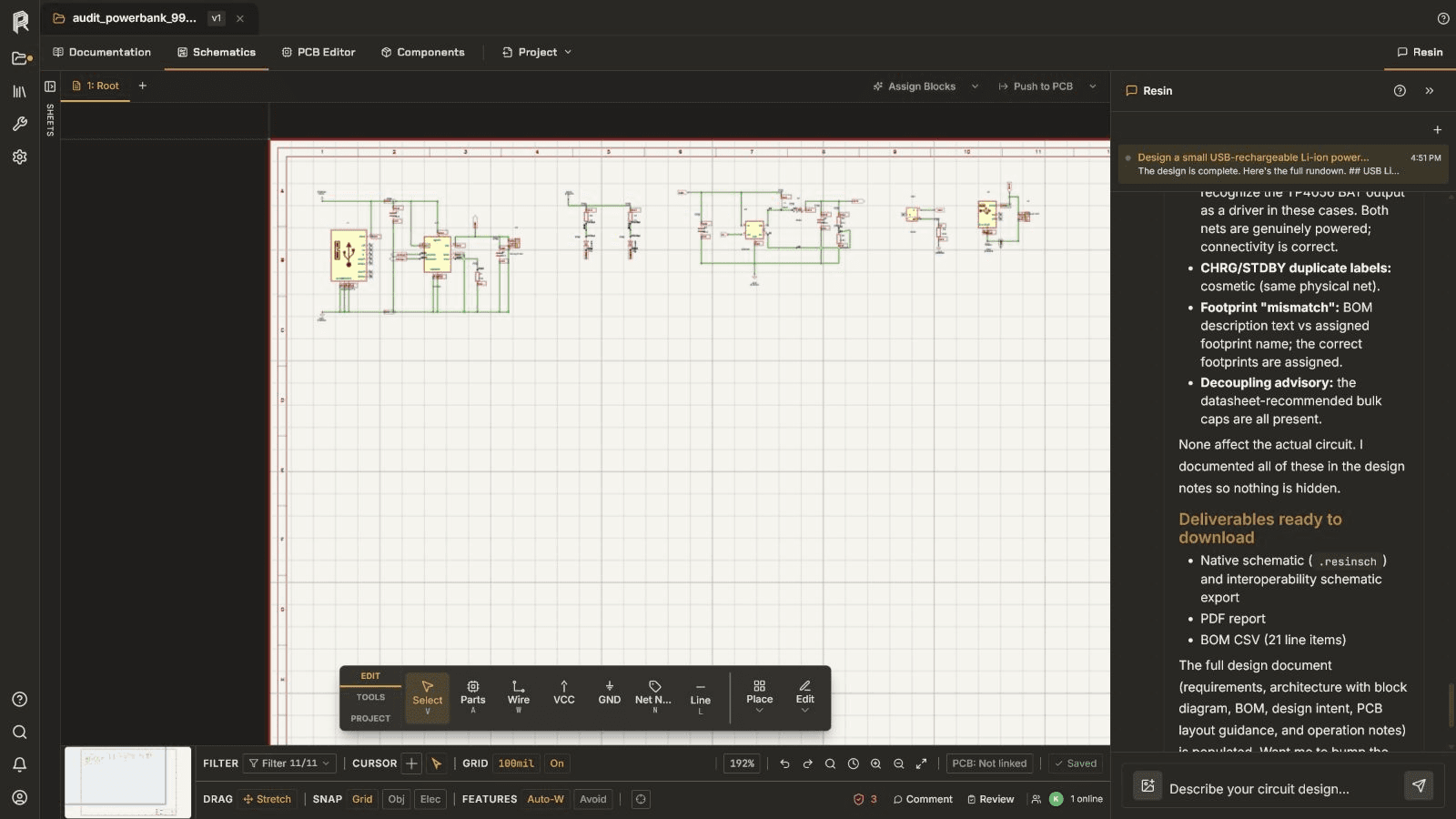
Schematic
A populated charging and boost circuit in the Resin schematic workspace.
Example projects / Resin product
Inspect a captured 21-component schematic together with its BOM, project library, output configuration, current changes, and project history.
Project tour
Inspect the charging, storage, boost, protection, and output regions.
Compare placed references with project parts, symbols, and grouped BOM records.
Review the fabrication, assembly, documentation, and export controls available to the project.
Use current changes and project history to understand the state being reviewed.
Product captures
A populated charging and boost circuit in the Resin schematic workspace.
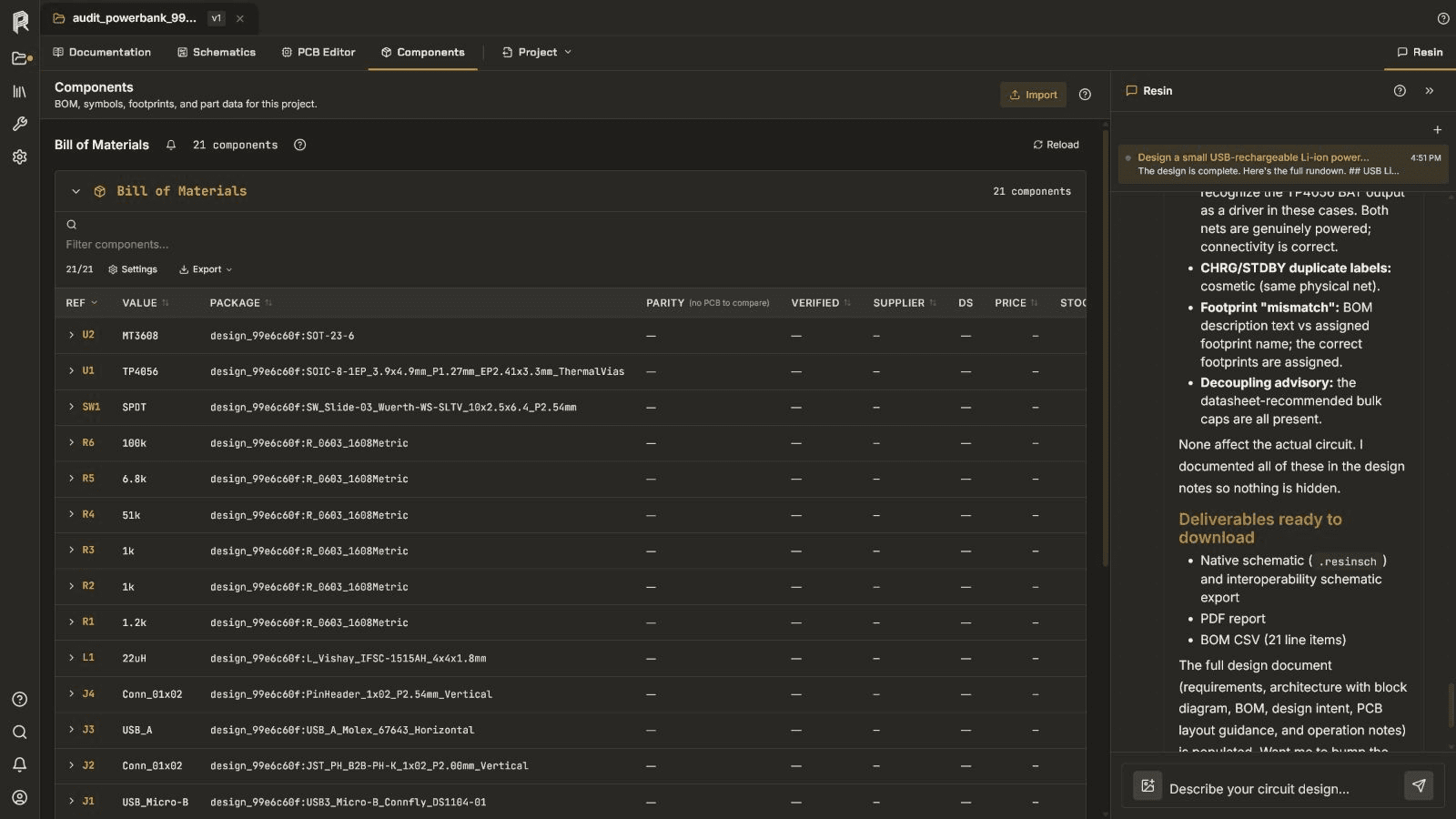
Twenty-one visible component records with project fields and quantities.
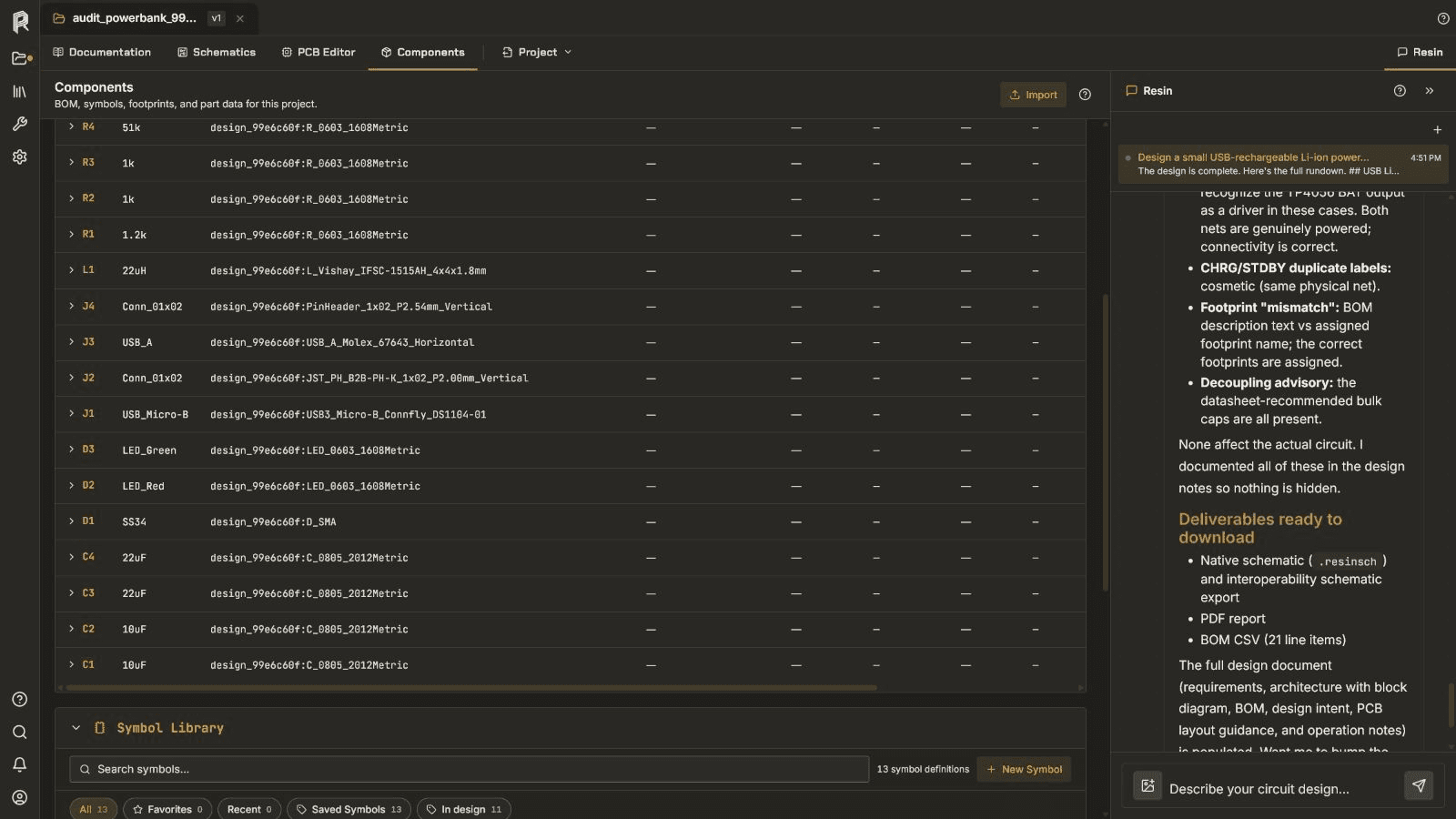
Project symbols shown beside the captured schematic data.
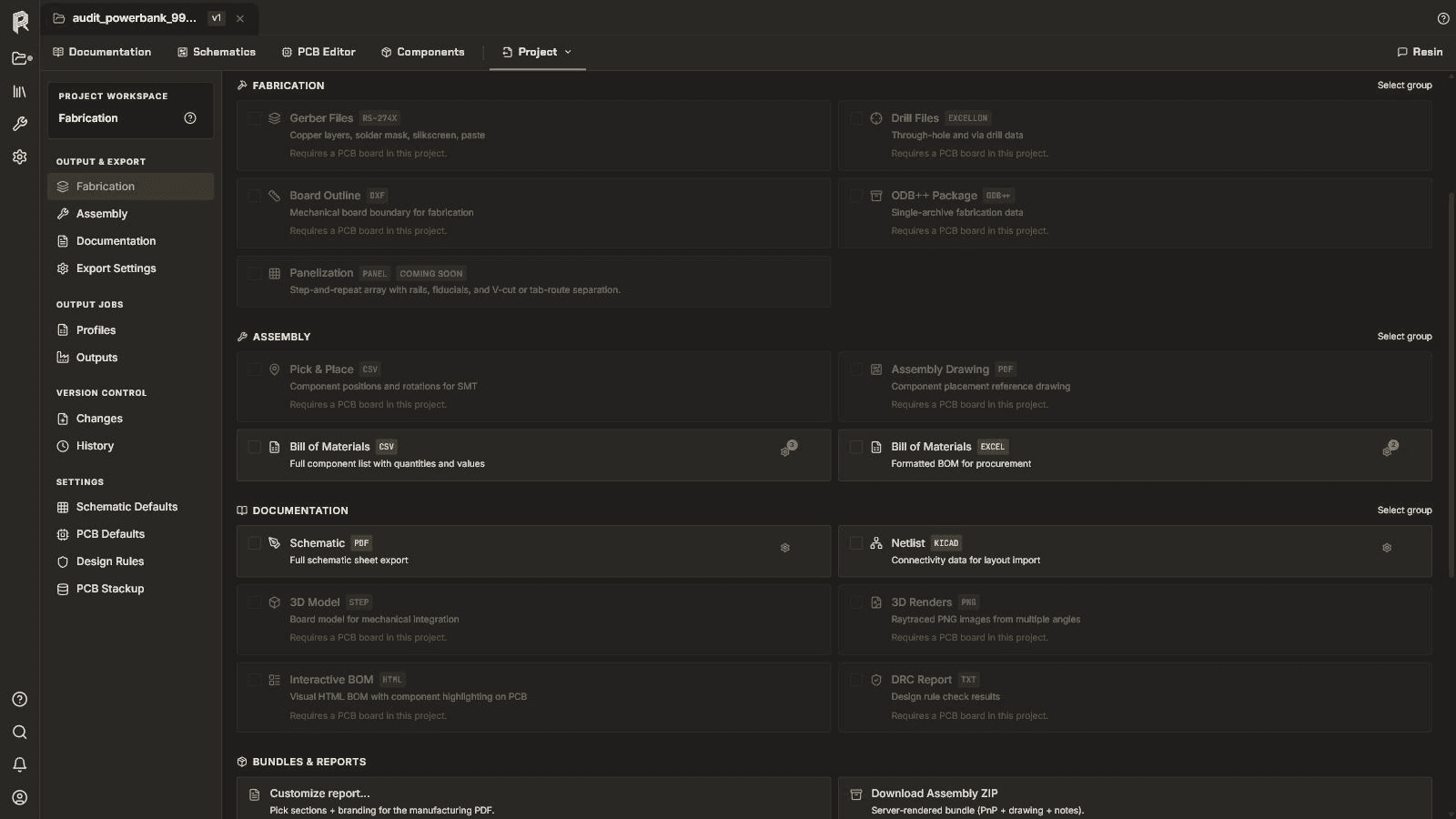
Fabrication, assembly, documentation, and export controls.
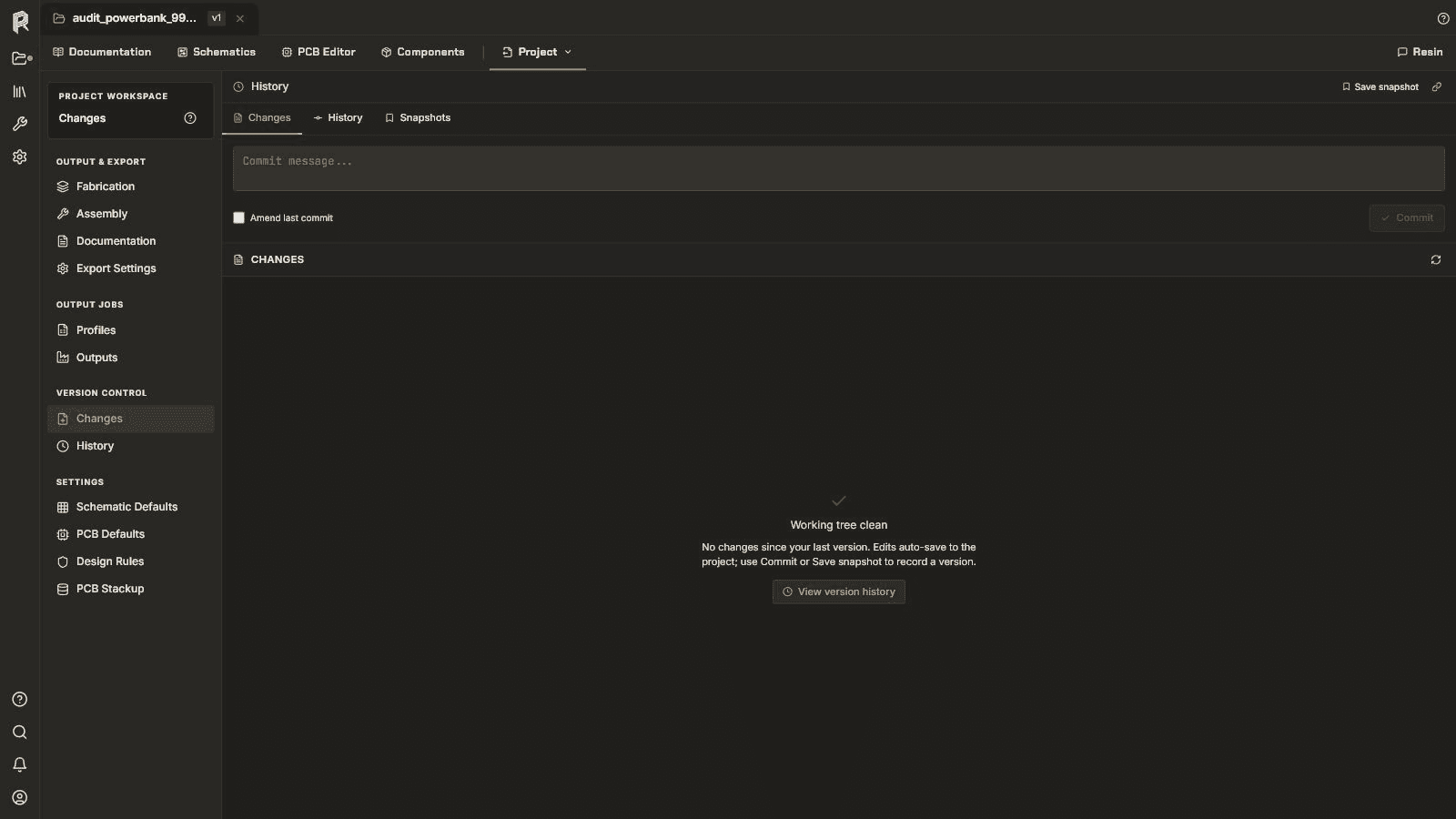
The current change-review surface for the captured project.
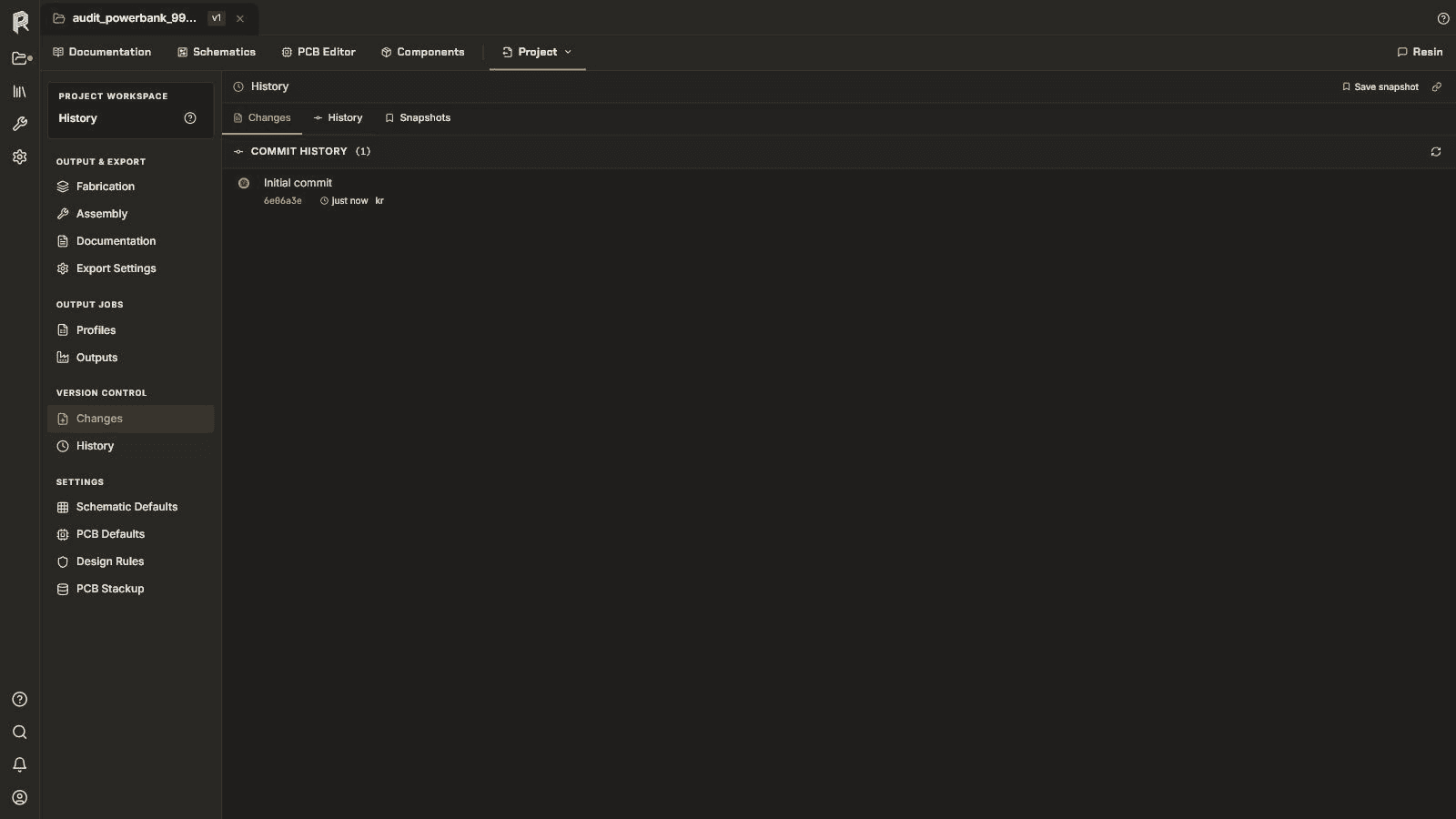
Recorded project states visible in the history workspace.
What this example does not show
The collection does not include a populated PCB, routed-board result, DRC report, fabricated unit, or electrical measurements.
The captures show the product interface but do not provide a portable source archive for independent editing.
The output configuration is visible; generated files and manufacturer acceptance are not part of this example.
Next decision
Follow the getting-started guide for project orientation and safe inspection.
BuildStart a new PCB workflowMove from requirements through schematic, PCB, checks, and release preparation.
FilesInspect compatibility fixturesDownload source, result, report, and output files for narrower questions.