Build reusable library parts
Keep symbol pins, footprint pads, 3D models, and identifying fields together so reused parts have an inspectable definition.
- Symbols and pin maps
- Footprints and pad maps
- 3D model assignments
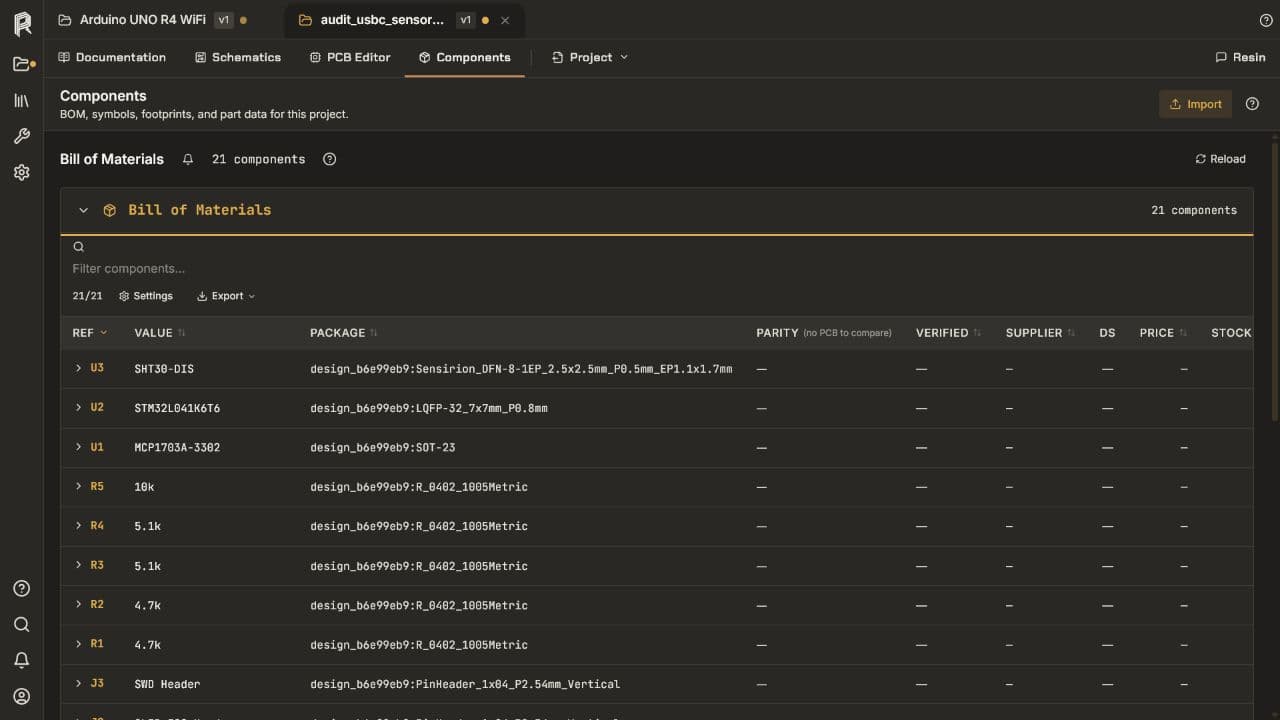
Components, libraries, and BOM
Create reusable library parts, assign symbols and footprints, manage project components and variants, and reconcile the BOM with the references used by the schematic and board.
No credit card required.
Core capabilities
Keep symbol pins, footprint pads, 3D models, and identifying fields together so reused parts have an inspectable definition.
Use references, values, descriptions, manufacturer data, and package information directly in the project.
Make fitted, DNP, and alternate-value choices explicit for each assembly state instead of editing exported spreadsheets by hand.
Check grouped quantities against distinct references and leave missing sourcing or lifecycle information visible.
Resin EDA
Open the schematic and PCB workspace in your browser. No credit card required.
Questions about team access, security review, or purchasing? Write to hello@resineda.com.