Start from the reviewed design
Use the intended board revision and assembly variant so generated files do not drift from the work that was checked.
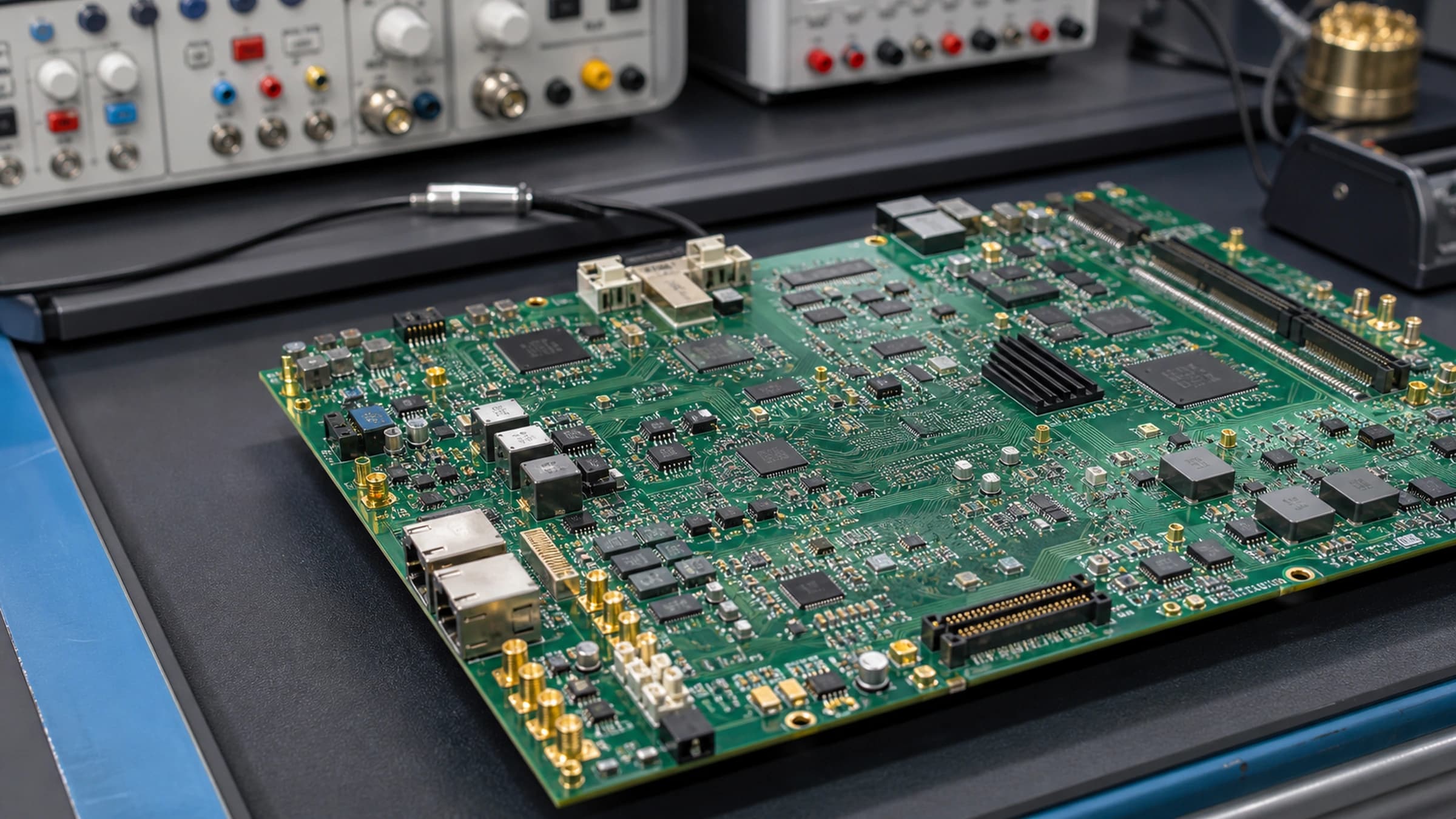
Manufacturing outputs
Configure board, fabrication, drill, assembly, BOM, placement, and documentation outputs for the reviewed design and intended receiver.
No credit card required.
Core capabilities
Use the intended board revision and assembly variant so generated files do not drift from the work that was checked.
Map fabrication layers, drills, BOM columns, placement conventions, drawings, and mechanical files to the receiver's written requirements.
Produce the related files together and keep filenames, units, origins, revisions, and package contents consistent.
Open files in appropriate independent viewers and reconcile the final archive with the design and manufacturer requirements.
Keep the board revision, assembly variant, output settings, and final archive identity together when the files move to a manufacturer or assembly partner.
Resin EDA
Open the schematic and PCB workspace in your browser. No credit card required.
Questions about team access, security review, or purchasing? Write to hello@resineda.com.